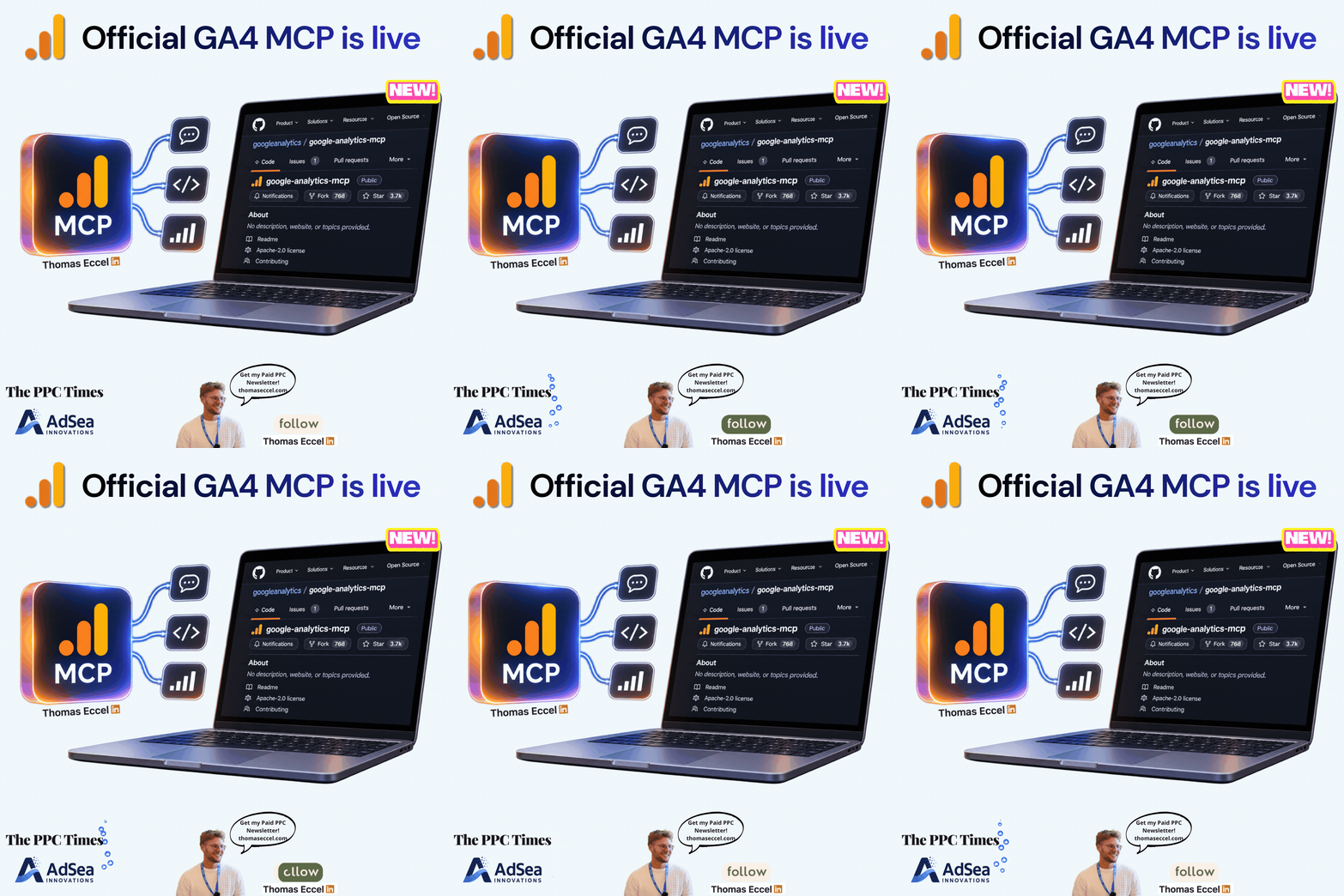
Google launched its Google Analytics MCP server on GitHub. It is still labeled experimental.
What it does:
Reporting: standard reports with filters, sorting and up to 250k rows, realtime reports, and funnel reports with breakdowns, segments and next action analysis
Auditing: key events with counting method and default value, custom dimensions and metrics, property details and annotations
Setup: create key events, create custom dimensions and add annotations, but only with opt-in write access
Watch out: the server runs locally and needs a Google Cloud project plus credentials. Everything is read only, except annotations.
Spotted by Thomas Eccel.
What changed
Google has launched a Google Analytics MCP server on GitHub. It lets an AI assistant connect directly to your GA4 data. The server is still labeled experimental. It can run standard, realtime and funnel reports, and audit key events, custom dimensions and metrics, property details and annotations. Write actions are limited to creating key events, creating custom dimensions and adding annotations, and only with opt-in write access.
What this means for ecommerce accounts
For ecommerce advertisers, this matters mainly as a faster way to pull GA4 data for analysis. The reporting tools cover standard reports with filters and up to 250k rows, plus funnel reports. Use it to check whether key events like purchases are set up with the right counting method and default value, and whether your custom dimensions are in place. This helps Shopping and Performance Max work, because the conversion data those campaigns learn from comes from GA4 setup. Search campaigns benefit the same way. This update does not say that it changes anything inside Google Ads itself, so your campaign settings stay as they are. Keep write access off unless you need to make changes through the assistant.
The server runs locally and needs a Google Cloud project and credentials, so it is better suited to people who are comfortable with setup than to a casual user. Everything is read only except annotations, key events and custom dimensions.
What to do now
- Check whether your GA4 key events, such as purchase, have the correct counting method and default value before you rely on any AI-generated report.
- Confirm that your custom dimensions and metrics are set up as you expect, since the server can audit them.
- Keep write access switched off unless you specifically want the assistant to create key events, custom dimensions or annotations.
- Set up a Google Cloud project and credentials only if someone on your team can maintain them, because the server runs locally.
- Treat the server as experimental and compare its output with the standard GA4 interface before making budget decisions.
FAQ
What is the Google Analytics MCP server?
Google has released an MCP server for Google Analytics on GitHub that lets an AI assistant connect directly to your GA4 data. It is still labeled experimental. It supports reporting, auditing and limited setup tasks.
Can the AI assistant change my GA4 setup?
Only if you opt in to write access. Write actions are limited to creating key events, creating custom dimensions and adding annotations. Everything else is read only.
What do I need to run the server?
The server runs locally and needs a Google Cloud project plus credentials. Plan for that setup before you try to use it.
Want this checked in your own account? I manage Google Ads for ecommerce brands that spend €10K or more a month. In a free 30-minute quick scan we look at your account together.
Book a free quick scanNew to a term? See the Google Ads glossary.