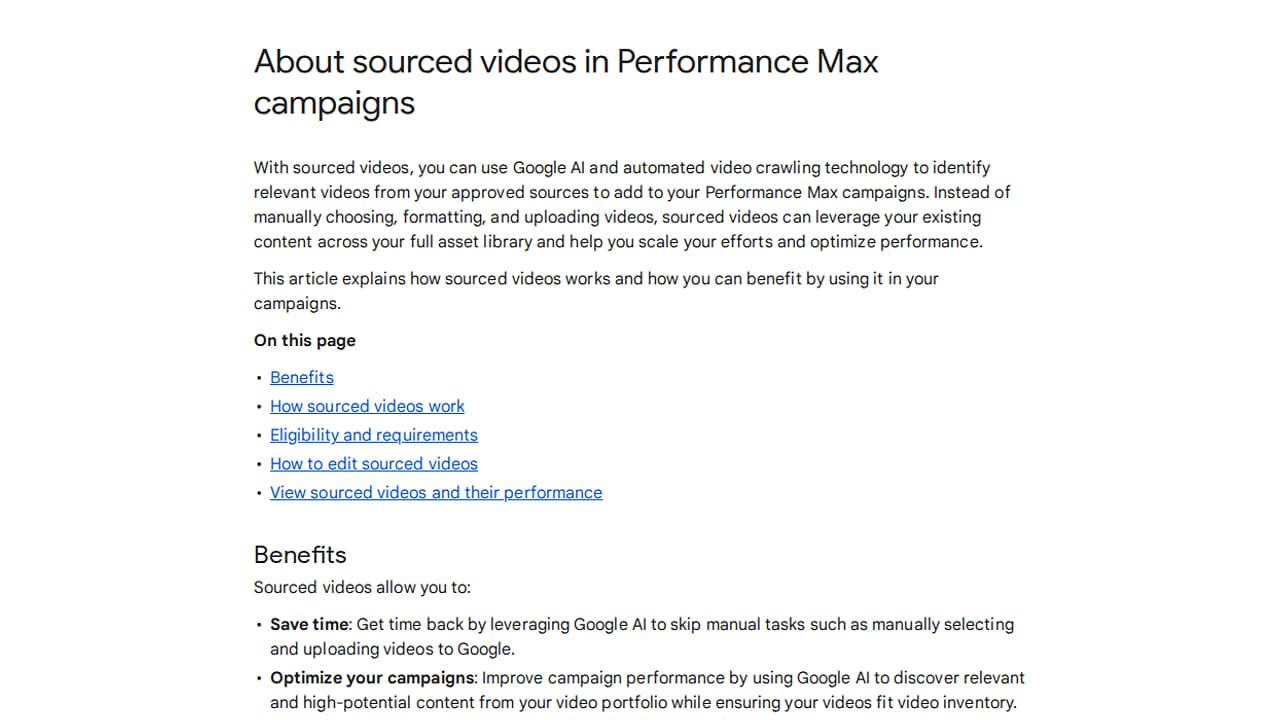
This used to be opt-in and off by default. Now it runs automatically using videos from approved sources, and you have to opt out if you don't want it.
To turn it off or control where Google takes videos from, go to Asset optimization. There you can also manage the sources, for example URLs from your YouTube channel.
Watch out: check this setting in your PMax campaigns if you want full control over which videos run.
Spotted by Hana Kobzová, via PPC News Feed.