This tool allows you to track detailed product data for each purchase conversion, providing insights that drive sales reporting and features like automated discounts.
Key Benefits:
Identify and fix issues in your cart data setup for accurate conversion tracking.Optimize campaigns with complete and correct cart data, leading to better performance.
Ensure data quality for improved decision-making and deeper insights.
How it works:
Continuous data sending: Ensure cart data is being sent with every purchase conversion.
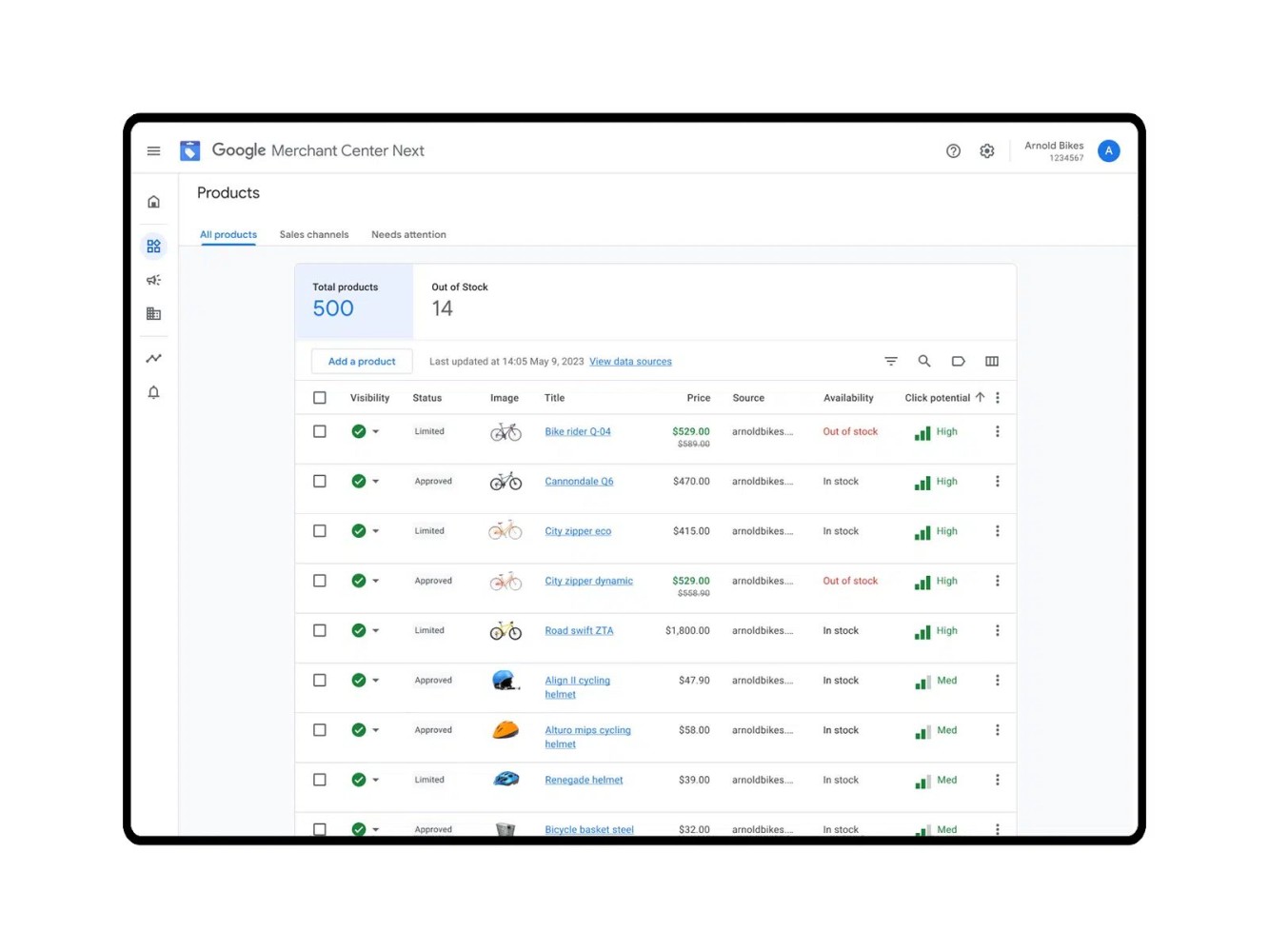
Complete data: Verifies that product item ID, price, and quantity are included. Data matching: Confirms the data matches what’s in your Merchant Center.
To access the tool, go to your Google Ads account, click the Goals icon, and then Diagnostics.
The tool will help you monitor your cart data setup status, with levels ranging from Excellent to Urgent.
By using this tool, you can fix errors and optimize your campaigns to maximize performance.Found by Hana Kobzová