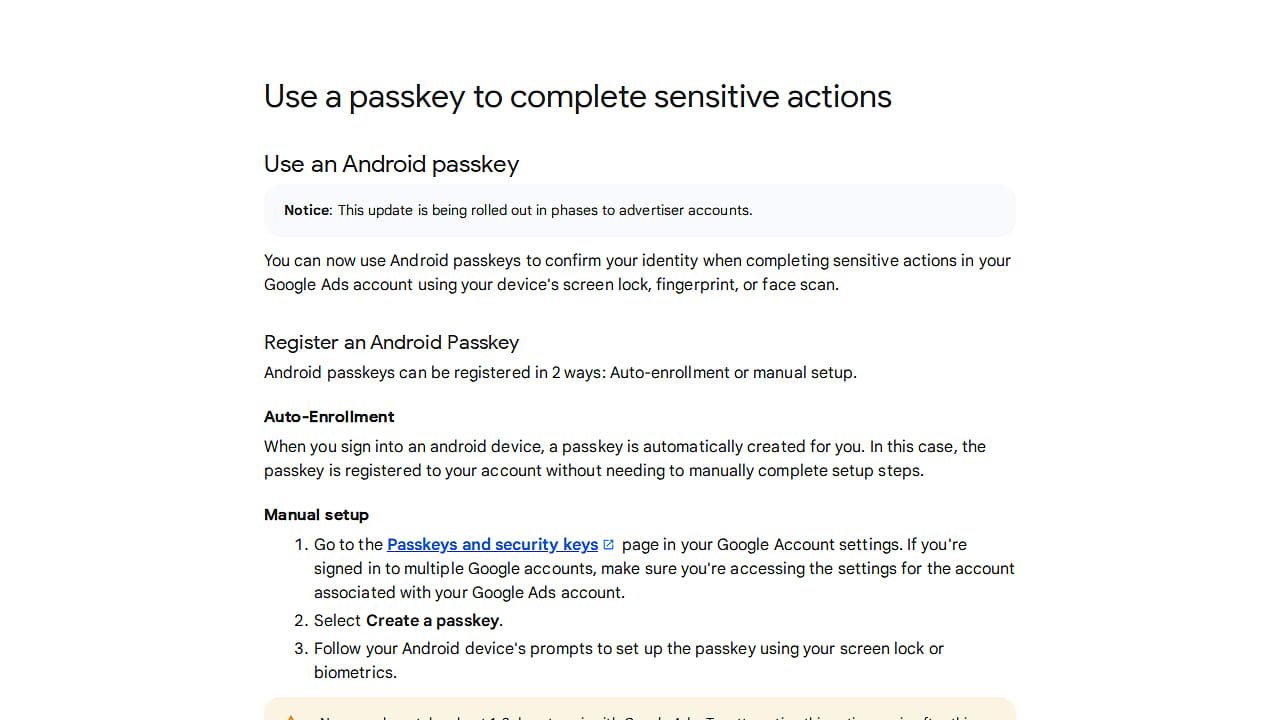
Before, autogenerated Android passkeys were not accepted when confirming your identity for things like account linking or user access changes. Now you can use your device's screen lock, fingerprint or face scan instead.
The rollout to advertiser accounts is phased, so not everyone has it yet.
Watch out: a new Android passkey needs about 1 to 2 days to pair with Google Ads. Standard Google passkeys don't have this delay.
Passkeys can be registered through auto-enrollment when you sign into an Android device, or set up manually.
Spotted by Hana Kobzová, via PPC News Feed.