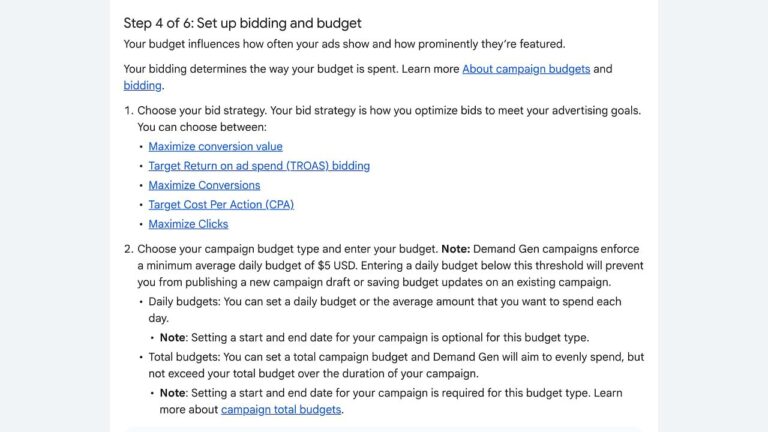
The rule I use for this exclusion is mobileappcategory::69500. You find the content suitability in tools & settings under setup.
*it looks like this option doesn’t work for everybody. If it doesn’t work just check the boxes.
What changed
This update shows how to exclude all mobile app placements from a Google Ads account with one rule. The rule is mobileappcategory::69500. The author says the rule is set in the content suitability settings under tools and settings, in the setup section. The author also says this option does not work for everyone. In that case, the author suggests checking the boxes by hand instead.
What this means for ecommerce accounts
If you run Google Ads for an ecommerce store, app placements can take budget away from your product pages and checkout traffic. Adding one account level exclusion can stop ads from showing in mobile apps, which may help you keep spend on websites and Shopping placements. This update does not say which campaign types the rule affects, so I would not assume it covers Performance Max or Shopping in the same way. Check the exclusion in each campaign after you add it, and look at placement reports to see whether app traffic has stopped.
The rule may not appear for every account. If you cannot find the option, this update says you can check the boxes yourself to make the same exclusion. Either way, I would confirm the result in your reports before you rely on it.
What to do now
- Open tools and settings in your Google Ads account and find the content suitability option under setup.
- If the option is there, add the rule mobileappcategory::69500 as shown in this update.
- If the option is not there, check the boxes for the app categories you want to exclude instead.
- Review your placement reports after a few days to confirm that app placements no longer show.
FAQ
What is the rule to exclude all apps in Google Ads?
This update uses the rule mobileappcategory::69500 for this exclusion. You add it at account level through the content suitability option in tools and settings, under setup. The author recommends this approach for excluding app placements in one step.
Where do I find content suitability in Google Ads?
You find content suitability in tools and settings, under setup. The author adds that this option does not work for everyone, so the location may differ in some accounts.
What if the content suitability option does not work for my account?
If the option does not work, you can check the boxes instead. This means selecting the app categories you want to exclude by hand to get the same result.
- Exclude display traffic in Youtube Ads 20 May 2023
- Google Ads August 2025: Medicines Policy Change and AI Mode Ads Leak 7 Sep 2025
- 5 Minute Google Ads Tutorial 4 Mar 2026
Want this checked in your own account? I manage Google Ads for ecommerce brands that spend €10K or more a month. In a free 30-minute quick scan we look at your account together.
Book a free quick scanNew to a term? See the Google Ads glossary.